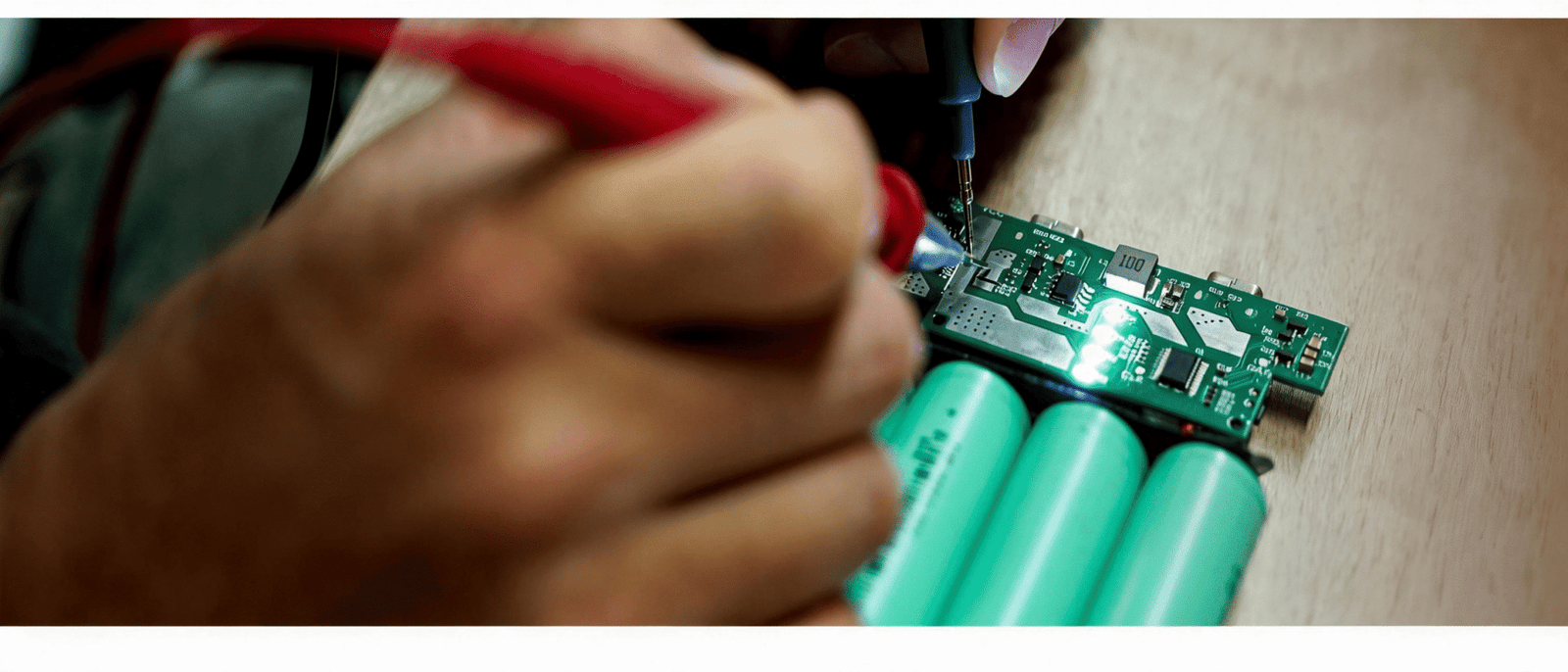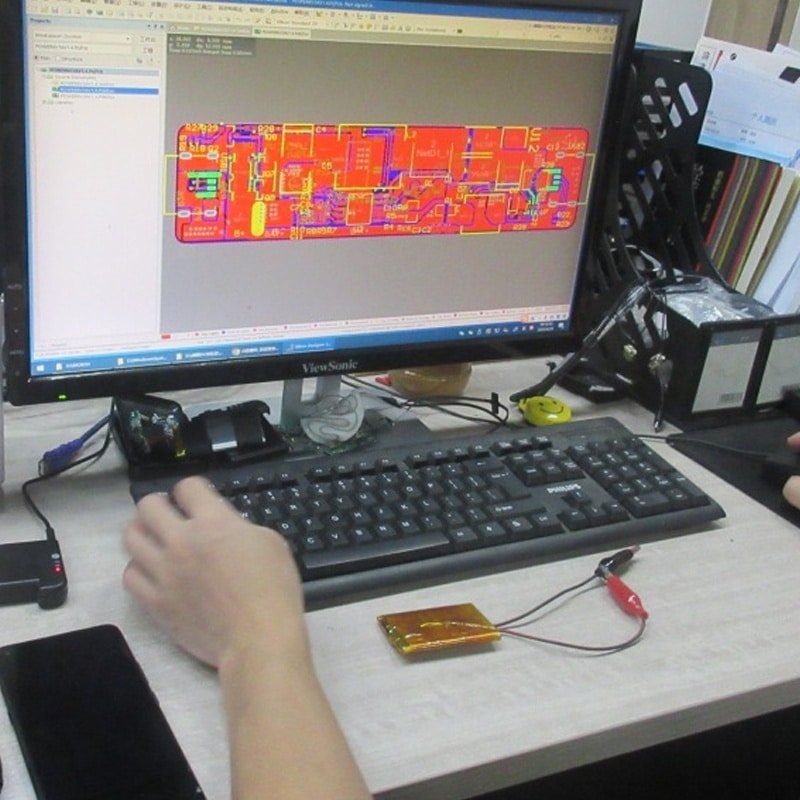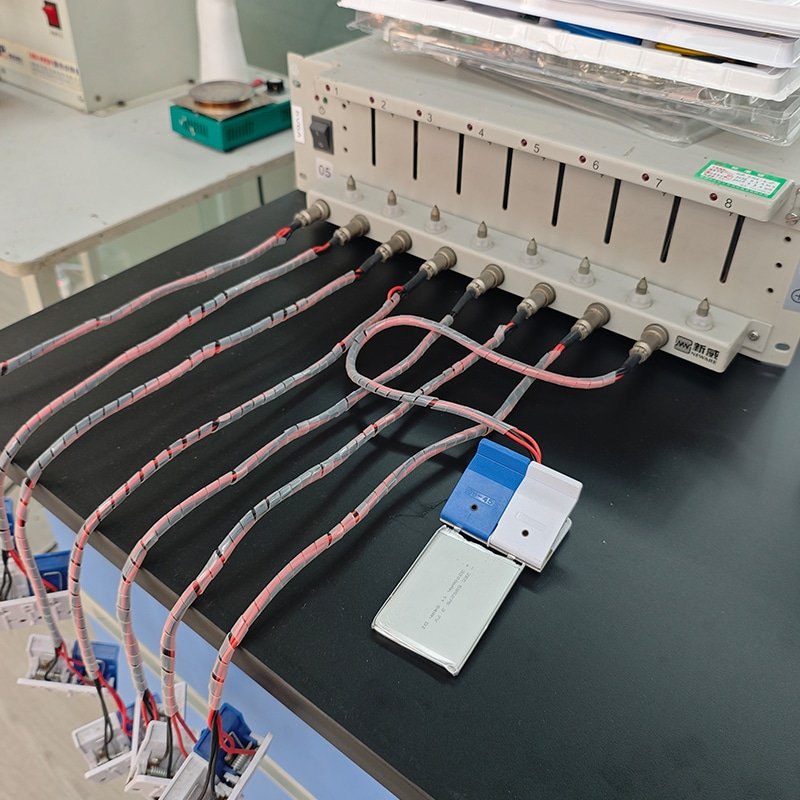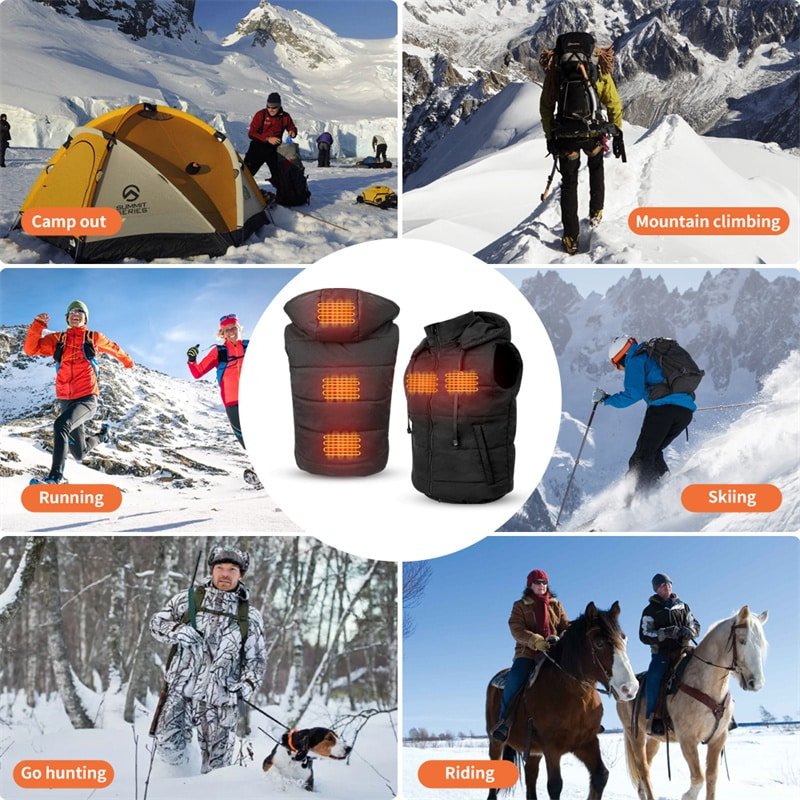

Customization in app-controlled heating systems goes far beyond app interface design — it includes controller architecture, firmware logic, power management, thermal mapping, and communication protocols.
Many brands and product managers initially assume that “customization” mainly involves changing colors, logos, or the look of the mobile app UI. In reality, meaningful differentiation in heated apparel comes from deeper modifications to the underlying system layers. These changes directly influence heating precision, battery efficiency, safety margins, user experience consistency, and long-term manufacturability.
Effective customization requires balancing feature flexibility with system stability and manufacturability. Architectural changes — such as altering firmware algorithms or power delivery logic — introduce validation cycles, potential PCB revisions, and increased testing needs, which extend development timelines and raise costs. Cosmetic tweaks (like app branding) are comparatively quick and low-risk, while core hardware-software coordination demands disciplined engineering to avoid reliability issues in production.
For a broader overview of customization options in app-controlled heating solutions, refer to our dedicated system page.
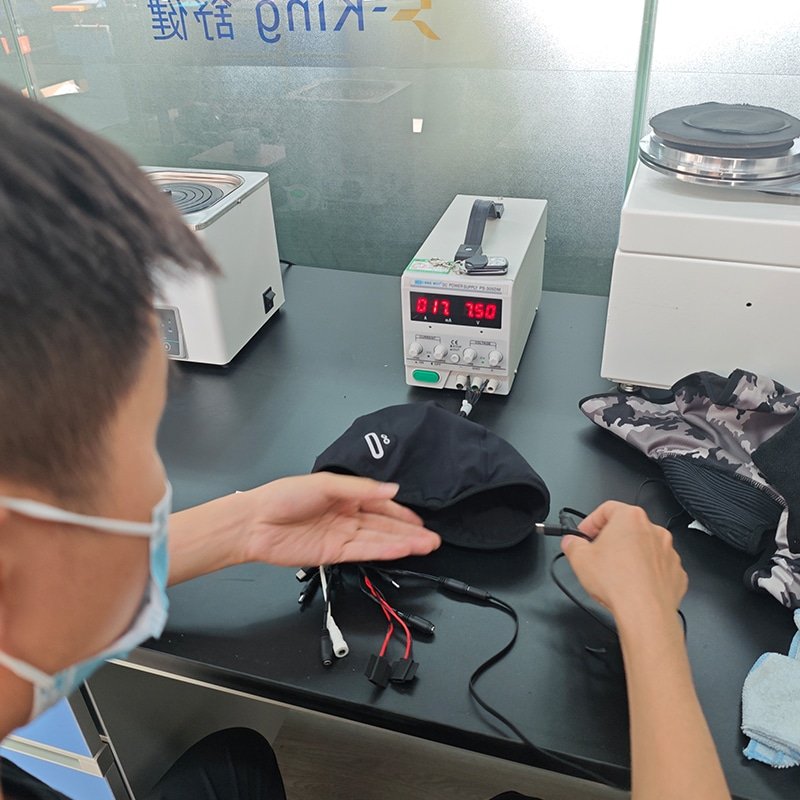
Customization Starts at the System Architecture Level
True customization begins with decisions at the system architecture level, where hardware and software layers interconnect.
Modifying only surface-level elements rarely delivers competitive advantage in performance-driven markets like outdoor sports, workwear, or medical warmth applications. Instead, the most impactful customizations occur where the controller coordinates power delivery, sensor feedback, heating output, and wireless communication.
Key trade-offs include: increased flexibility often reduces standardization (affecting production scalability), while prioritizing stability limits rapid feature additions. Integration points — such as how the controller interprets battery state or distributes power across zones — determine whether the system feels responsive and safe under real-world conditions.
Here’s a breakdown of the primary architecture layers and their customizable elements:
| Architecture Layer | Customizable Element | Typical Impact |
| App | UI / Branding | User perception, brand consistency |
| Control Logic | Temperature algorithm | Heating precision and responsiveness |
| Power Layer | Battery voltage & capacity | Runtime, heat intensity, weight |
| Output Layer | Heating zone layout | Targeted warmth distribution |
| Communication | Bluetooth protocol version | Connectivity reliability, power consumption |
These layers are interdependent. Changing one (e.g., zone layout) often requires adjustments in others (e.g., firmware logic and power allocation) to maintain balanced performance.

App Interface and User Experience Customization
App interface customization represents the most accessible — and most visible — layer for brands.
This level focuses on user-facing elements without requiring hardware changes. Typical adjustments include logo integration, color schemes, font selections, and splash screens to align with brand identity. More advanced options involve rearranging control screens, adding custom icons for heating modes, or implementing branded onboarding flows.
Control modes can be tailored: some brands prefer simple preset buttons (low/medium/high), while others want granular sliders or scheduled profiles (e.g., preheat before skiing). Language support extends to multi-language UI and localized temperature units (°C/°F). Data display features might include real-time battery percentage, estimated runtime, historical usage graphs, or diagnostic alerts.
The boundary here is software-only: these changes rarely affect core system behavior but can significantly influence perceived quality and user retention.
Controller and Firmware Customization
Controller hardware and firmware offer some of the highest-leverage customization opportunities — and also the greatest engineering complexity.
Firmware houses the intelligence: how temperature requests translate into PWM signals, how zones coordinate to avoid hot spots, and how safety logic intervenes during faults.
Common customizations include:
- Temperature mapping logic: non-linear curves for perceived comfort (e.g., aggressive initial ramp-up then stabilization)
- Multi-zone coordination: independent or synchronized control across chest, back, sleeves
- Output smoothing: gradual power transitions to prevent abrupt changes or flickering
- Safety threshold configuration: over-temperature cutoffs, low-battery shutdowns, fault detection
| Firmware Feature | Customization Impact |
| Temperature scaling | Precision adjustment |
| Mode programming | Performance flexibility |
| Safety thresholds | Risk management |
| Firmware update support | Future scalability |
These modifications require extensive testing: thermal cycling, drop tests, and edge-case simulations to ensure reliability across temperature extremes and battery states.
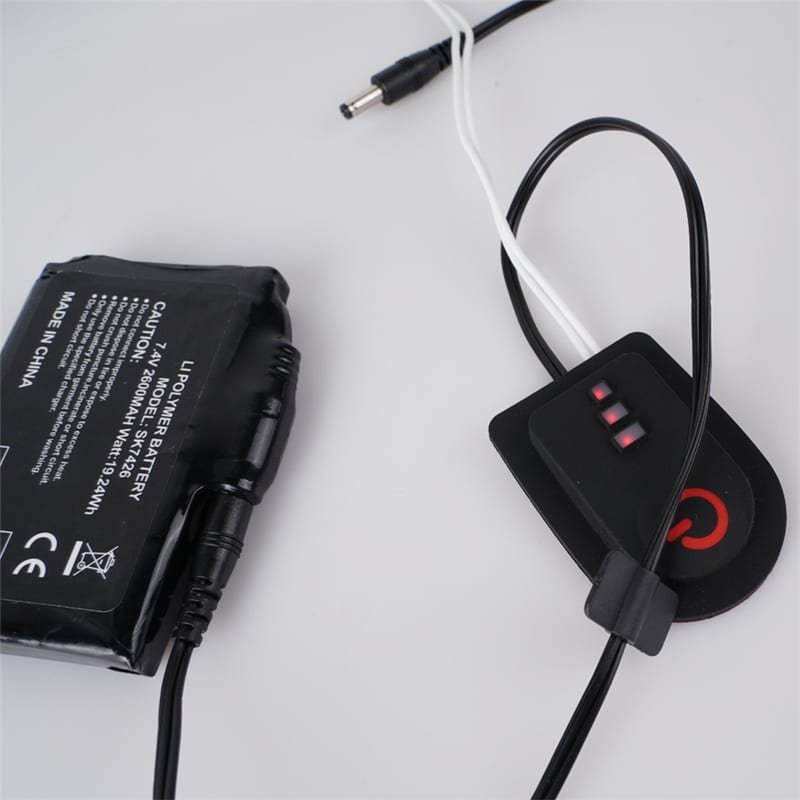
Battery and Power Management Customization
Battery and power management directly determine runtime, heat output capability, and safety.
Voltage selection (e.g., 7.4V vs. 12V) influences maximum heating strength and element compatibility. Capacity planning balances runtime against weight and bulk — critical for gloves or insoles where size matters. Current limits protect components from overload, while BMS (Battery Management System) configuration handles cell balancing, overcharge protection, and temperature-based throttling.
| Power Parameter | Why Customize It |
| Voltage level | Heating strength |
| Capacity | Runtime |
| Current limit | Safety control |
| Protection logic | System reliability |
Poor matches between battery spec and heating demand lead to short runtime, uneven heating, or premature failures — issues that surface only after field use.
Heating Element and Thermal Mapping Customization
The physical heating elements and their placement define how warmth feels to the wearer.
Placement strategy varies by product: jackets prioritize core body zones (chest/back), while gloves focus on fingers and back-of-hand. Carbon fiber offers flexibility and even distribution; heating film provides thinner profiles but sometimes less durability in flex-heavy areas.
Multi-zone design allows independent control, but requires precise thermal mapping to prevent cold spots or overheating. Thermal distribution control involves simulation and prototype testing to achieve uniform perceived warmth.
Brands often compare carbon fiber vs. film based on application: carbon fiber excels in high-flex items like socks, while film suits flat panels in vests.
Communication and Connectivity Customization
Communication customization ensures reliable, low-power wireless interaction.
Bluetooth version selection (e.g., 5.0 vs. older 4.2) affects range, power consumption, and compatibility with newer phones. Signal encryption protects user data in connected features. Pairing process can be simplified (e.g., one-tap via NFC assist) or made more secure with PINs. Firmware update channels (OTA via app) enable post-launch improvements but demand robust error-handling to avoid bricking devices.
Reliability remains paramount: dropped connections in cold environments frustrate users more than missing features.
How Customization Affects Cost and Development Time
Deeper customizations scale costs and timelines nonlinearly.
UI-only changes might add weeks and minimal expense. Firmware or power architecture revisions trigger PCB redesign, extended validation (thermal imaging, accelerated aging), and recertification (safety standards).
| Customization Type | Typical Added Time | Cost Driver |
| App UI/Branding | 2–6 weeks | Design + testing |
| Firmware logic | 8–16 weeks | Algorithm dev + validation |
| Battery/power redesign | 10–20 weeks | Component sourcing + BMS tuning |
| Full zone/thermal remap | 12–24 weeks | Prototyping + thermal testing |
Certification impact grows with hardware changes — UL, CE, or FCC re-testing adds expense and delay.
Common Mistakes in System Customization
Many teams encounter avoidable pitfalls when pursuing customization:
- Over-customization without a clear product roadmap — adding features that fragment production and complicate support
- Ignoring battery compatibility when increasing zones or voltage — leading to runtime shortfalls or safety risks
- Insufficient testing before mass production — skipping edge-case validation results in field failures
- Prioritizing UI polish over stability — impressive apps hide unreliable heating behavior
These mistakes often stem from treating the system as modular rather than interdependent.
Conclusion — Customization Requires Architectural Discipline
Customizing an app-controlled heating system requires structured architectural planning, not isolated feature adjustments. Sustainable customization balances flexibility, stability, and production scalability.
The most successful implementations start with clear performance targets, then methodically align controller logic, power delivery, thermal design, and connectivity. Without this discipline, even well-intentioned changes compromise reliability or inflate costs. When done correctly, customization creates differentiated products that perform consistently across real-world use cases.
Frequently Asked Questions
Is changing the app skin really customization?
It is the cheapest layer and the one most brands start with — logo, palette, fonts, splash screen, and preset or slider controls. It is worth doing, because perceived quality moves. But it changes nothing about how the garment heats, so it cannot be the basis of a product strategy in a market where the competitor next door can order the same skin tomorrow.
Which layer gives the most differentiation for the engineering effort?
Zone layout combined with the firmware that drives it. Moving heat from a single panel to independently controlled chest, back and sleeve zones changes how the product feels in wind, how long it runs, and what you can claim. It also forces the power allocation and thermal mapping to change with it, so it is the one customization that cannot be copied by editing a config file.
What does customization cost in time?
Software-only changes are measured in days. Controller or firmware changes are weeks, because they need re-validation of the safety envelope. Architectural changes — new zones, a different voltage platform, a new radio module — are a new program, and they carry a new compliance round with them. Plan the layer you actually need, and be honest about which one you are asking for.
Does more customization reduce manufacturability?
Usually yes, and it is the trade nobody puts in the proposal. Every variant adds a part number, a test routine and a chance of a mixed build on the line. The workable approach is to keep the platform common and customize a limited set of parameters — zone count, pack capacity, control modes — so that the line still sees one product family rather than five unrelated ones.