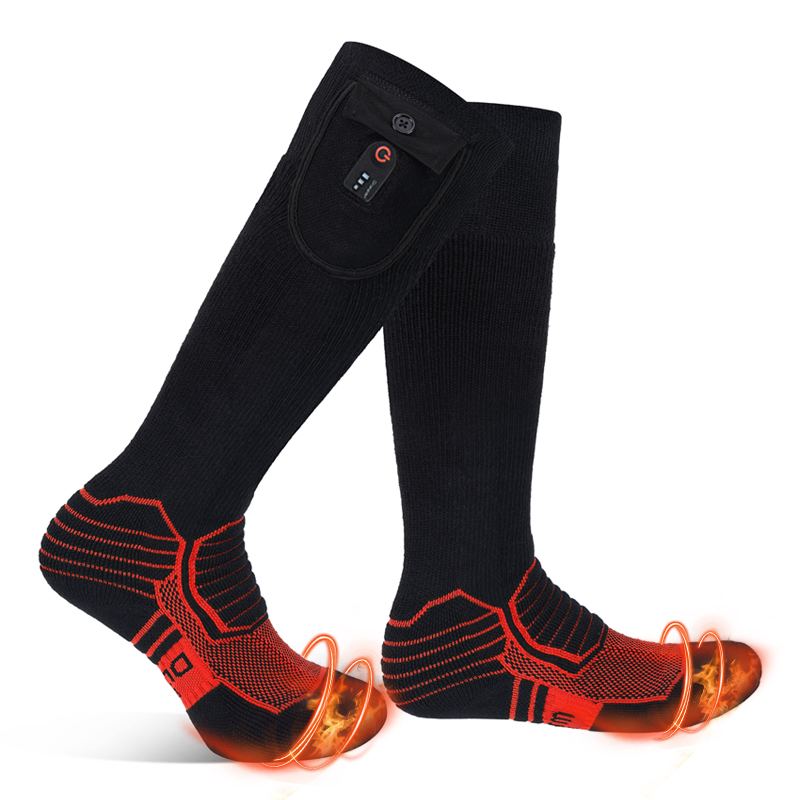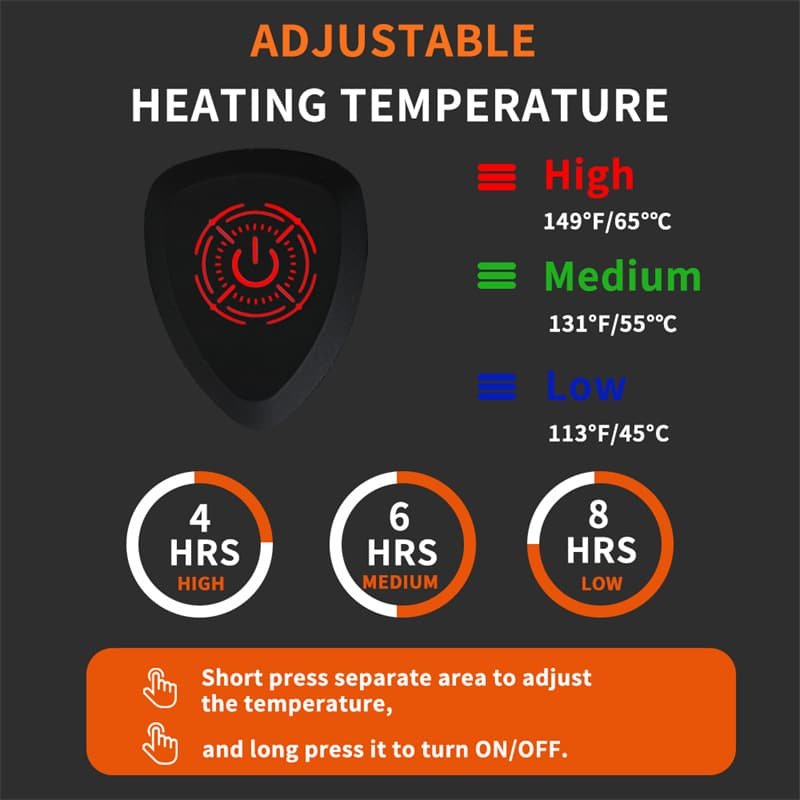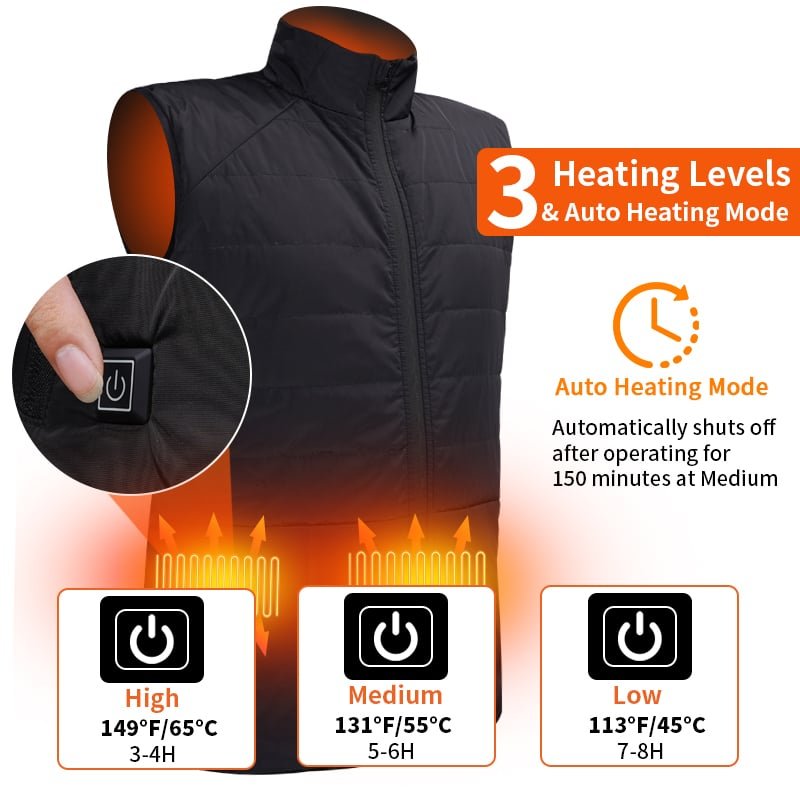

A heated insole that stops working is usually not broken. It is one of six faults, and five of them are cheap to rule out in the order below. What makes insole diagnosis different from gloves or vests is where the product lives: it takes the full body weight every step, flexes at the toe joint thousands of times, and sits in the dampest place on the body. Those three conditions produce failure modes no other heated garment has.
Diagnose in this order, not from the top of the list
Start with the supply, because it is the only part that can be exchanged in thirty seconds. Take a second pack — the one from the other insole, or a known-good spare — and fit it to the insole that is not heating. Two results, two very different paths: if the insole now heats, the pack or its charge is the fault. If nothing changes, the fault is in the insole or the connection, and everything below applies.
- Swap the pack. Rules out charge level, cell age and a dead pack in one move. Do it before anything else; most “dead” insoles are a flat pack.
- Charge and watch the indicator. A pack that never lights, or never reaches full, is a pack problem, not an insole problem. Two things kill magnetic charging contacts in this product category: dried salt from road slush and ferrous dust from site work. Both wipe off with a dry cloth; neither is visible until the light fails to come on.
- Re-pair the remote if there is one. On remote and app models, a lost pairing looks exactly like a dead insole — the insole is fine, nothing answers. Re-pair per the manual, and if the button on the insole works while the remote does not, it is pairing every time.
- Check the trim line. Cut-to-fit insoles are trimmed at the toe. An element cut through produces a partial or dead zone, and the cut is usually inside the trimmed edge where it cannot be seen. If the insole was trimmed by the wearer, look there before anything else.
- Feel for damp. Water inside the shoe is the most common cause of intermittent heat: the insole works, then cuts out, then works. Green or white crystalline deposit at the heel contact, or a damp smell that does not dry overnight, is the evidence that it has already happened.
- Then suspect the element. If the insole heats while standing and stops while walking, the element is creasing at the toe joint and the conductor has begun to fail. That is a garment fault, not a supply fault, and it does not repair.
Six symptoms, six answers
The symptom is almost always more specific than “not working”, and each one points at a different component. This table is the version worth keeping on a support desk.
| Symptom | Thirty-second check | What it means |
|---|---|---|
| Neither insole heats | Fit the other pack to one insole | Supply side: charge, pack or charger |
| One insole heats, one does not | Swap the two packs between feet | If the fault follows the pack it is the pack; if it stays with the foot it is the insole |
| Heats, then stops after a few minutes | Walk on it, then stand still | Flexing: the element is creasing at the toe joint |
| Only the forefoot, or only the heel, heats | Look at the trimmed edge | A branch is cut: trim line or element damage |
| Insole button works, remote does not | Re-pair the remote | Pairing, not hardware — the same fix as a phone losing its earbuds |
| Charger light never comes on | Wipe the contacts; try a second cable | Salt or ferrous dust on magnetic contacts, or a failed charger |
| Heat level drops through a shift | Compare with a full pack at the same level | Cell age: capacity falls before the cell fails |

The three failures only an insole has
Flex at the toe joint. A glove bends at the knuckles and a vest barely bends at all. An insole folds at the metatarsal line on every step — several thousand times a day under a load. That is where conductors fatigue, and it is why a failing insole heats when the wearer stands still and cuts out when they walk. No amount of care prevents it; the design answer is a strain-relieved element layout that keeps the conductor away from the fold.
Load. Body weight plus a pack plus a hard sole is a compression cycle the rest of the category never sees. A pack mounted in the heel or under the arch is being pressed all day, and pressure on a cell is a safety matter, not just a comfort one. If a pack is visibly swollen, stop using it, do not charge it, and dispose of it under local battery rules — a swollen cell is the one fault in this article that should never be diagnosed further.
The dampest location on the body. A foot sweats through a working day and a boot holds it in. Moisture does two things: it shorts the contact area, and it sits between the element and the foot, which is why a wet insole feels cold even while it is drawing current. The protection rating sets the limit here — IPX4 as standard, IPX5 where a buyer specifies it — and neither rating means the insole should be worn with water pooling inside the shoe.
What a brand should record before agreeing to a claim
Most warranty disputes over insoles are decided by two photographs and one question: was the fault inside the product or outside it? The table below is the evidence side of that conversation, and it is worth building into the claim form rather than arguing case by case.
| Evidence | Where the fault sits | Who owns it |
|---|---|---|
| Conductor broken at the toe fold, inside the trim line | Inside the product | Manufacturer — element layout and strain relief |
| Cut edge crossing a conductor, outside the marked trim line | Outside the product | Installer — trimming past the marked line |
| Green or white deposit at the heel contact | Use environment | Shared — cleaning routine and the stated IP rating |
| Swollen pack | Cell | Manufacturer — withdraw it and examine the batch |
| Charger gives no output on a known-good pack | Accessory | Supplier — replace the charger, not the insole |
When to stop diagnosing and send it back
Three conditions end the process: a swollen pack, a burn mark or discoloured patch on the insole face, or a repeat failure in the same place after a replacement. All three sit on the safety side of the line, and none of them should be worked around at home. Everything else — a flat pack, a dirty contact, a lost pairing, a pack at the end of its service life — is a user-side fix or a spare part, and saying so plainly is what keeps a return from becoming a refund.
For the supply side of the same conversation, the voltage and capacity logic is set out in 3.7V vs 7.4V heated insoles. If heat is present but the wearer still feels cold, the fault is rarely electrical — the boot is taking the heat away faster than the insole can put it in, which is a different problem.
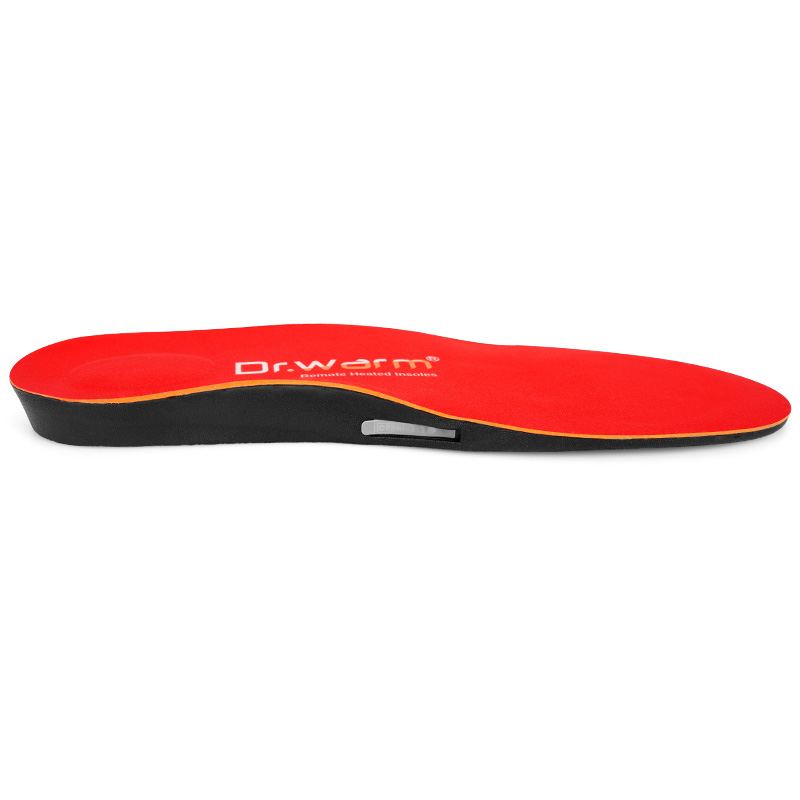
Custom heated insoles built for the way they fail
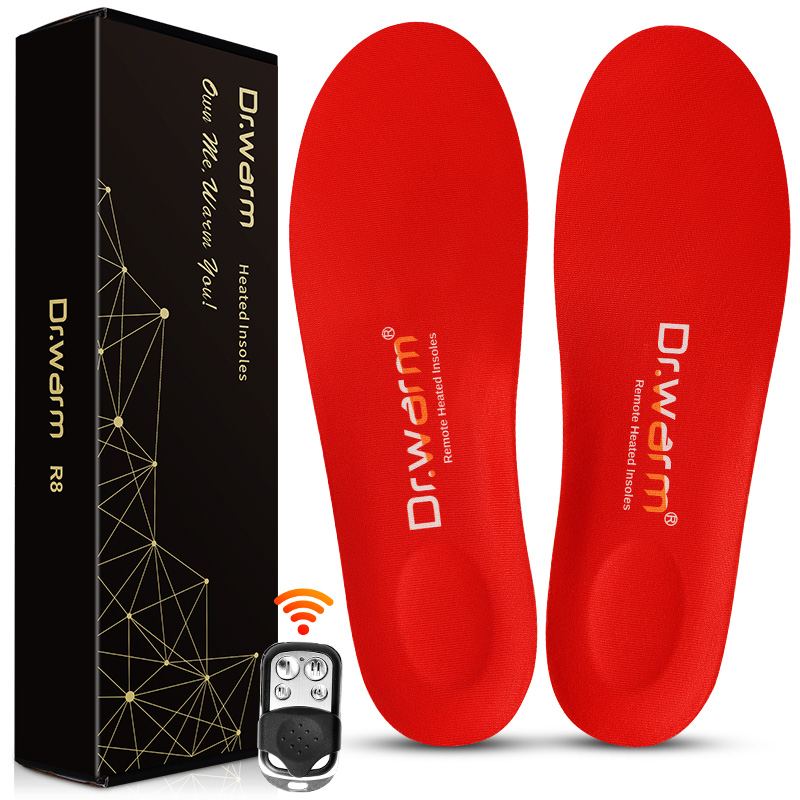
Dr. Warm builds 3.7V and 7.4V heated insoles with strain-relieved element routing, magnetic or USB charging, remote or app control, IPX4 as standard and IPX5 optional. Documentation covers CE, UKCA, IEC 62133, UN38.3, RoHS, REACH and GB 47372-2026 with CCC for the Chinese market; OEM from 100 pairs, ODM from 500, 12-month warranty.
Frequently Asked Questions
Why did my heated insoles stop working after one season?
Three causes account for most cases: the conductor fatigues at the toe fold because the insole flexes on every step, the heel charging contacts corrode from road salt or sweat, and the cell loses capacity before it fails outright. The first looks like intermittent heat, the second like a charger that never lights, the third like a shorter runtime each week.
Can heated insoles be repaired?
The pack, the charger and the remote are exchangeable parts and should be replaced rather than repaired. A broken conductor inside the insole is not field-repairable: the element is laminated between layers, and opening it destroys the waterproofing. Send it back for examination instead.
Why does only one insole heat?
Cross-test first: swap the two packs between feet. If the fault moves with the pack, it is the pack or its charge. If it stays with the same foot, the insole or its connection is at fault. That single test separates a supply problem from a garment problem before anything is shipped.
Is it safe to keep using an insole that got wet?
Dry it fully, then check the heel contact for green or white deposit before charging. A wet insole that is put straight back on charge is the usual route to a corroded contact, and moisture inside the shoe also causes the intermittent heat that gets mistaken for a broken element. Never charge a pack that has been submerged.